Guide / Chats
HelpChats
Messaging between the people who work in your business — one to one or in a group. It has nothing to do with the messages you send customers.
Chats is not Messages. Messages is the customer outbox — enquiries, service reminders, undelivered email, the noticeboard — and it's manager-only because it's about the people who pay the business. Chats is the opposite: it's open to everyone on the team, and it's for the people who work in the business, not the ones who pay it. Filing a private conversation between two tradesmen next to the customer outbox would mix up two screens with opposite audiences and opposite access rules, so they're kept apart on purpose.
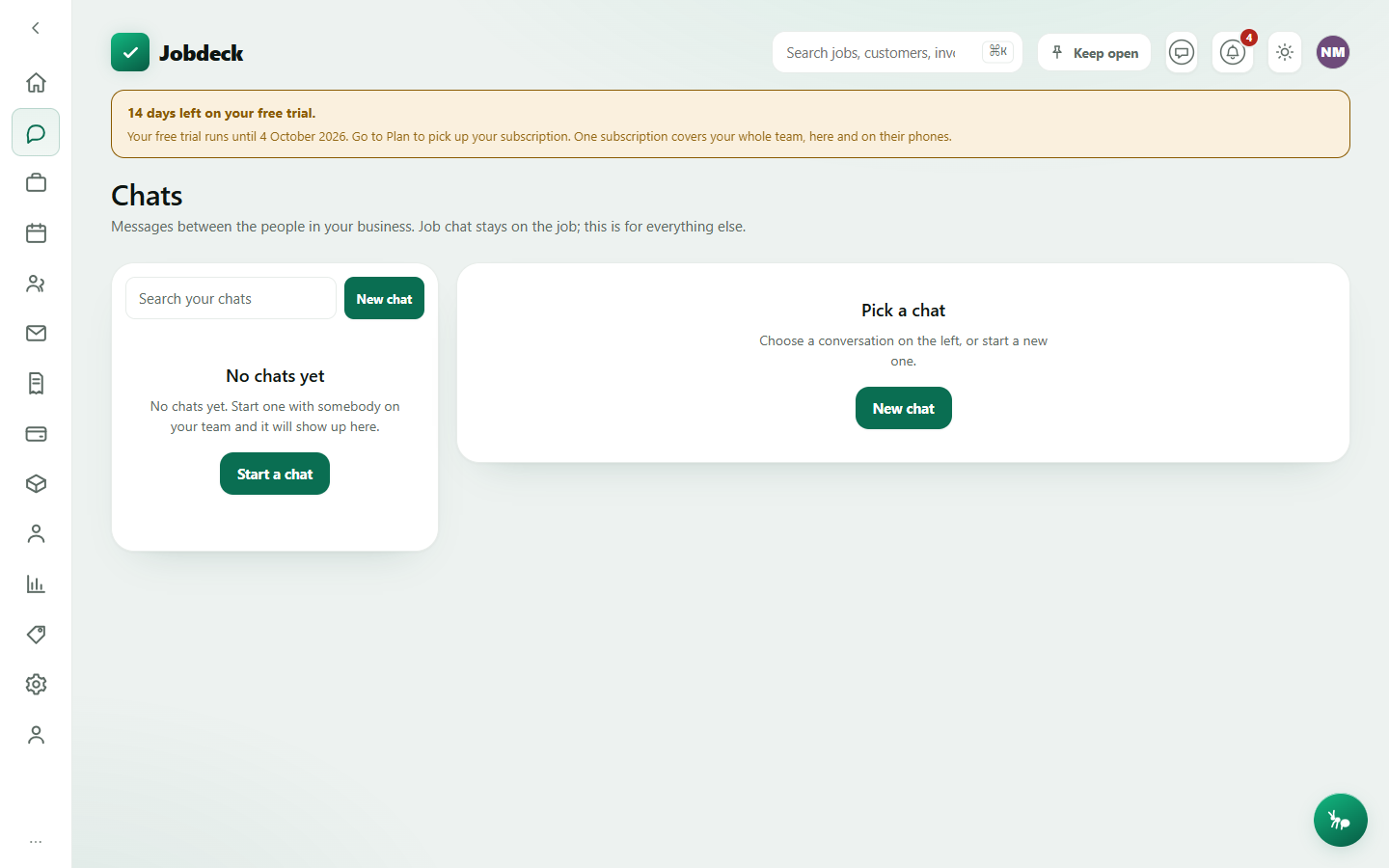
Chats /chats
- What it's for
- Talking to your own crew — a direct message or a group. The owner cannot read a conversation they are not part of, and nothing said here ever reaches a customer.
- Controls
- A search box over your own conversation list. Whether other people can see you're online or when you were last in the app is set per person on the Profile page, and it's symmetric — turn either off and you stop seeing it for other people too.
- Buttons
- New chat (pick a person, or several for a group); Send; a Photo button (PNG or JPEG only); Remove on your own messages (it stays visible to everyone else as removed); Report on somebody else's message; Try again / Discard on a message that failed to send.
- On the page
- Your conversation list, each row showing an unread badge, a Group pill, a Muted pill, and who's online. The open thread shows day dividers, a typing indicator, and photo bubbles that open full-size.
- Takes you to
- Reported messages, for an owner or admin, once a report lands (see Settings).
Chat details panel per conversation
Press Details on an open thread for who's in it and what you can do about them. None of this is a settings screen of its own — it lives inside the thread.
- Who is in this chat
- Every current participant. Set nickname is private — the other person is never told. Block stops a direct message reaching you without telling them, and doesn't empty a group they're both in. A group admin also gets Remove, which takes them off the group but leaves what they already said in the thread.
- Group name
- Group admins only. Renaming doesn't notify anyone.
- Notifications
- Mute for a set period, or unmute. Muting only stops your phone buzzing — the messages still arrive and still show here.
- Leave
- Group chats only. You stop getting new messages; what you already said stays in the thread, because it's the other people's record of a conversation they had.
Chats sits next to the rest of your business day rather than off to one side — see Everyday tasks, quickly for where messaging fits against the core quote-to-paid workflow.