Guide / Sales
HelpMessages
A desktop inbox for text conversations with customers, plus the enquiries, reminders and delivery problems that arrive alongside them.
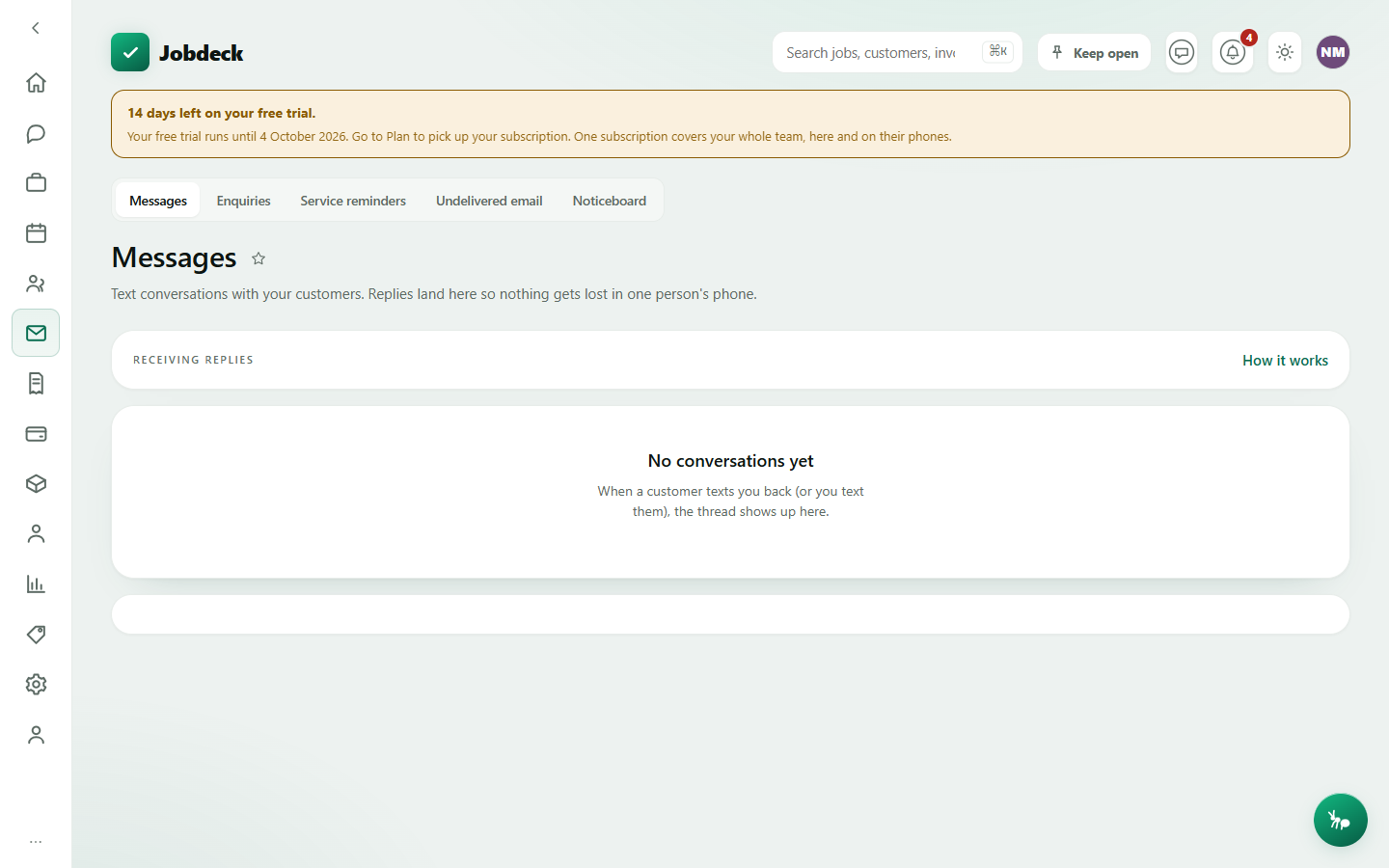
Messages /messages manager
- What it's for
- A desktop SMS inbox. A customer's reply lands here instead of on one person's phone, and you answer it from a keyboard.
- Buttons
- Copy webhook URL (points your SMS provider's inbound webhook here so replies can arrive — until a number's connected you can still send and keep a record); Send sends an SMS to a customer.
- On the page
- A two-pane layout: the conversation list on the left (customer name or number, a preview of the last message, a flag on anything that needs attention), the open thread and reply box on the right. A message that saved but genuinely never sent — no provider connected yet — is marked on its own bubble rather than quietly looking like every other sent message once the page reloads.
Not the same screen as Chats. Messages is customer SMS — texts to and from the people who pay you, visible only to a manager. Chats is a separate area for staff talking to each other, open to the whole crew. A band reading "Customer SMS · External" sits at the top of every thread here so the two are never confused mid-reply.
What else is filed here
Four more screens sit under Messages: the inbox a lead first lands in, the work list that chases repeat compliance work, a catch-all for email that never arrived, and an internal noticeboard the whole team can read.
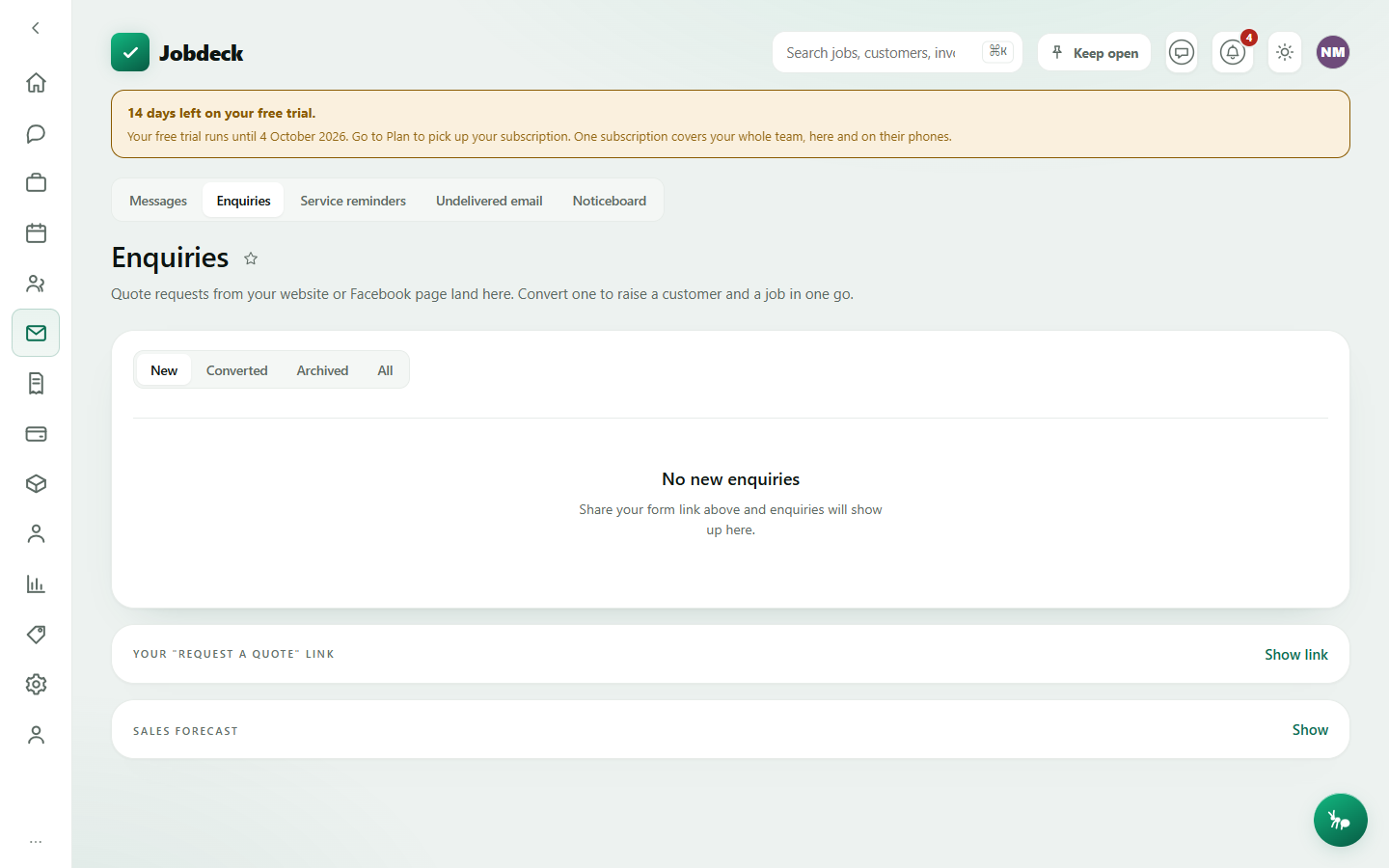
Enquiries /enquiries manager
- What it's for
- The inbox for public "request a quote" submissions, whether they arrive off your website, a shared form link, or a Facebook page. Convert one straight into a customer and a job, or archive it.
- Controls
- Filter tabs: New / Converted / Archived / All.
- Buttons
- Convert to job; Archive / Reopen; Copy link / Get a new link (your public enquiry-form URL) and a separate Copy booking link; Copy webhook URL for email-in enquiries.
- On the page
- The shareable form-link card, and enquiry rows — name, contact, message, date, status, and anything the customer attached.
- Takes you to
- The job or customer an enquiry was converted into.
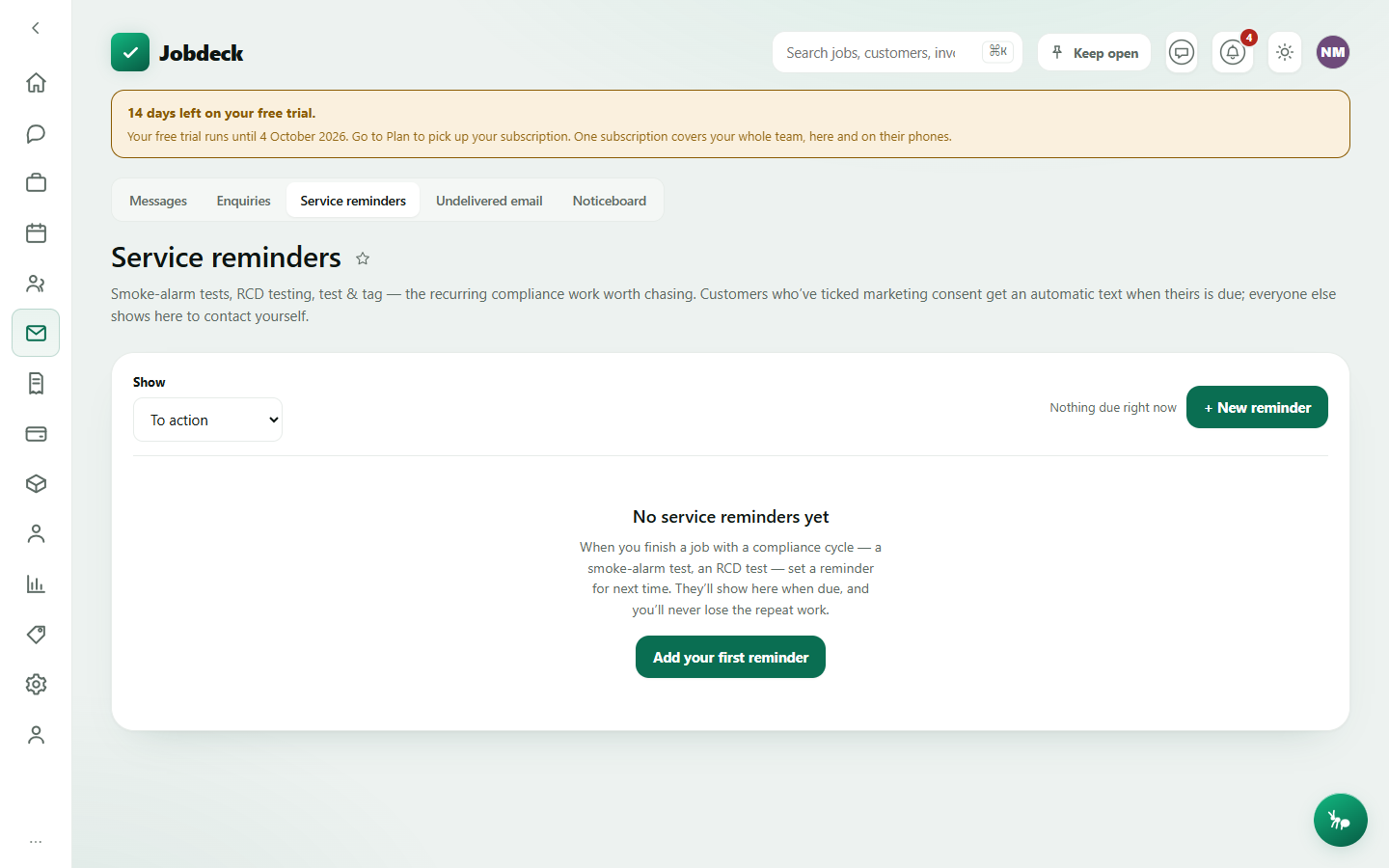
Service reminders /service-reminders manager
- What it's for
- A work list of recurring compliance jobs worth rebooking — annual smoke alarm tests, RCD testing, test and tag — the unprompted repeat revenue a trade earns just by remembering to ask. A customer who's given marketing consent gets texted automatically when their reminder falls due.
- Buttons
- + New reminder (quick-fill type chips) → Save reminder; per-row Booked / done, Dismiss, Put it back.
- On the page
- A due-now count, the add form, and reminder rows (service, customer, due date, whether it's been texted).
The due date is set by choosing an interval — "again in twelve months" — rather than typing a date. It's worked out from the day the job actually finished, not the day the box was ticked, so a late-running job doesn't quietly set the wrong reminder.
Undelivered email /undelivered-email
- What it's for
- Every quote, invoice, crew invite or purchase order Jobdeck tried to email that the provider bounced back — recorded against the send and matched up on the bounce webhook, so a failed send doesn't just vanish.
- Controls
- Tabs: "Nothing else is showing these" (the default) and "Everything", each with a live count.
- Buttons
- Per-row Dealt with.
- On the page
- Bounce rows: what was sent, to which address, when, and why it failed. Three kinds already have a home elsewhere — an invoice bounce stops its overdue chaser and shows on the Invoices screen, and a variation or work order shows its own send error — so this page deliberately shows only what nothing else is already surfacing, and links across where another screen carries the same row.
Open to any member, no permission gate — a recipient address and a subject line are already visible to anybody who can send a quote in the first place.
Noticeboard /noticeboard
- What it's for
- An internal noticeboard for the whole team — posts to read and react to, not a chat to hold a back-and-forth conversation in.
- Buttons
- Post to the noticeboard; reactions on each post; Hide/show replies → Post reply; per-post Pin to the top / Unpin (needs the manage_settings permission); Take down (your own post, or any post if you're a manager); per-reply Remove.
- On the page
- Posts, newest first, with pinned ones held at the top, each showing who posted it, reaction counts and a reply thread.
Anyone may post — deliberately not manager-only, because a noticeboard only the boss can write to is just a fourth inbox nobody reads. No money figure ever appears here: reads carry no permission check at all, so nothing here can rely on view_money to keep a number private.