Guide / Profile
HelpProfile
Your own card, your own sign-in security, your own notification preferences and your own leave requests. Not a decision about the business — a decision about you.
Profile was carved out of Settings on 8 September 2026. Settings is gated on manager permissions for most of what it holds, and burying "change my password" at the bottom of a long business-setup list is how somebody concludes they can't change their password. Profile is one of the handful of areas Jobdeck never lets a business switch off, for exactly that reason — everybody can always reach their own card, their own sign-in security and their own leave.
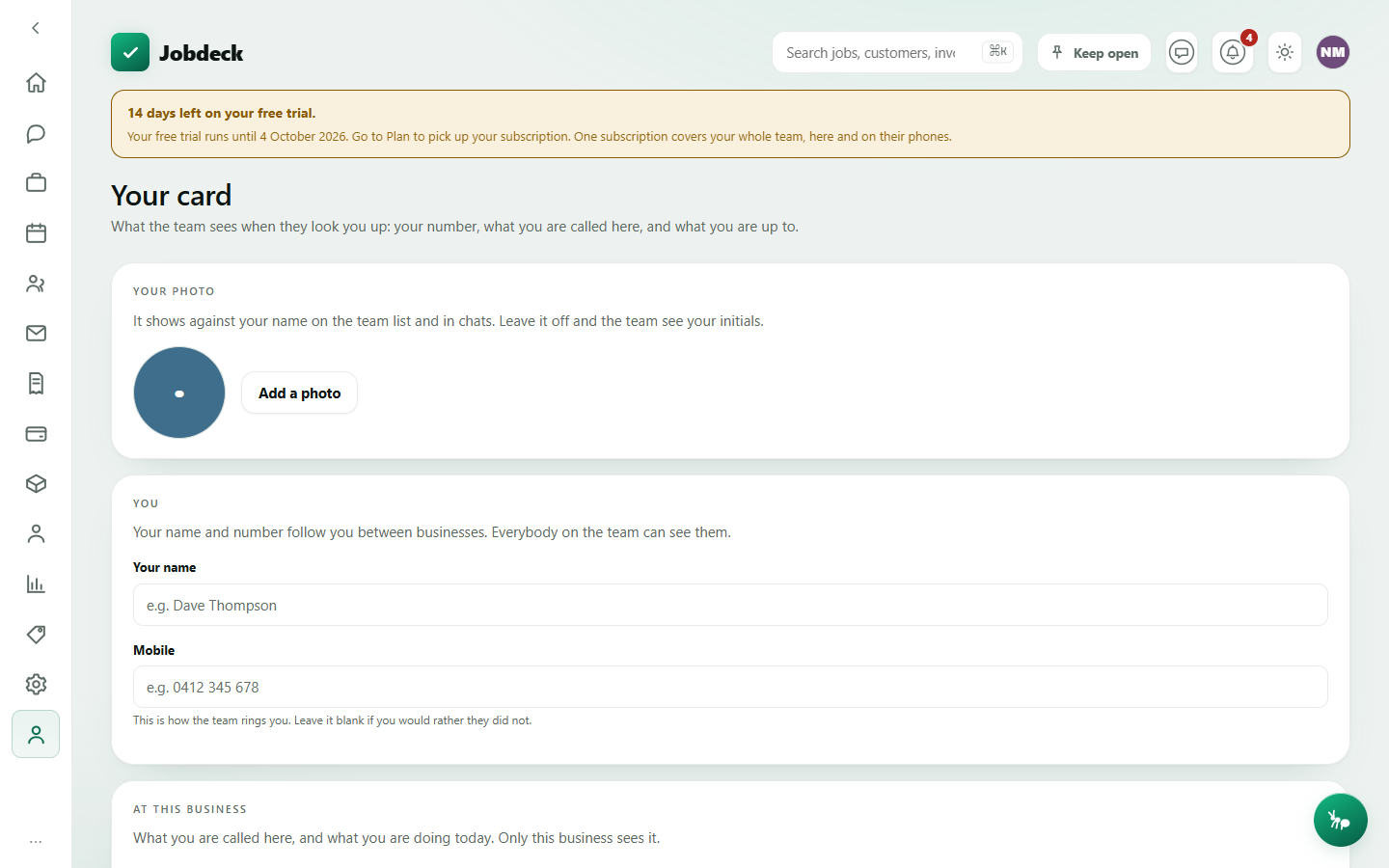
Your card /my-card
- What it's for
- What the team sees when they look you up: your number, what you're called here, and what you're up to.
- Controls
- Three privacy switches, each saving itself the instant you flip it (no separate Save, so you can never believe you've turned one off and be wrong): Show when I'm in the app, Show when I was last in the app, and Show when I've read a message (the blue-tick read receipt, off by default). All three are symmetric — turn yours off and you stop seeing other people's too, and the read receipt only shows you theirs once they've turned on their own.
- Buttons
- Add a photo / Change photo / Remove (saves immediately, PNG or JPEG); Save on the name, mobile, job title and status form.
- On the page
- Your name and mobile (these follow you between businesses); your job title and a status line ("On the Rosebery job til 3") that's local to this business; the three privacy switches; and a Your account card linking to Sign-in security and Notifications.
- Takes you to
- Sign-in security, Notifications.
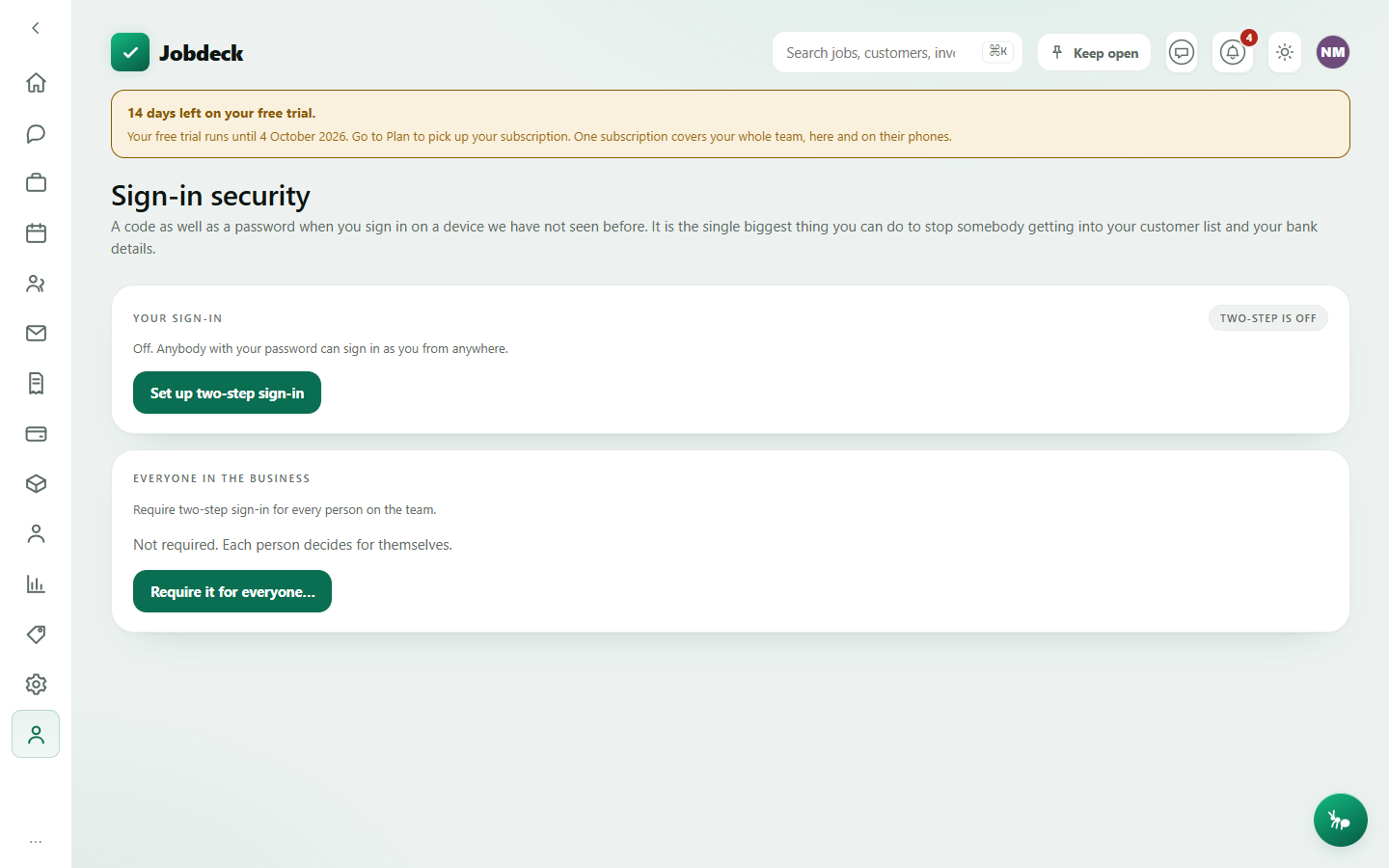
Sign-in security /security
- What it's for
- A code as well as a password when you sign in somewhere new — the single biggest thing you can do to stop somebody getting into your customer list and your bank details.
- Your sign-in
- Turn two-step on with a mobile number and your password; confirm the text or emailed code once. Turning it off also takes your password, as a check it's really you.
- Devices you have trusted
- A device you tick "trust this one" on stops asking for a code for a set number of days. Per-device Remove signs it out on the spot; sign out every other device is there for a lost or stolen phone.
- Everyone in the business
- Owner-only. Require it for everyone switches on two-step for the whole team — nobody is locked out by it, anyone with no number recorded is walked through adding one at their next sign-in.
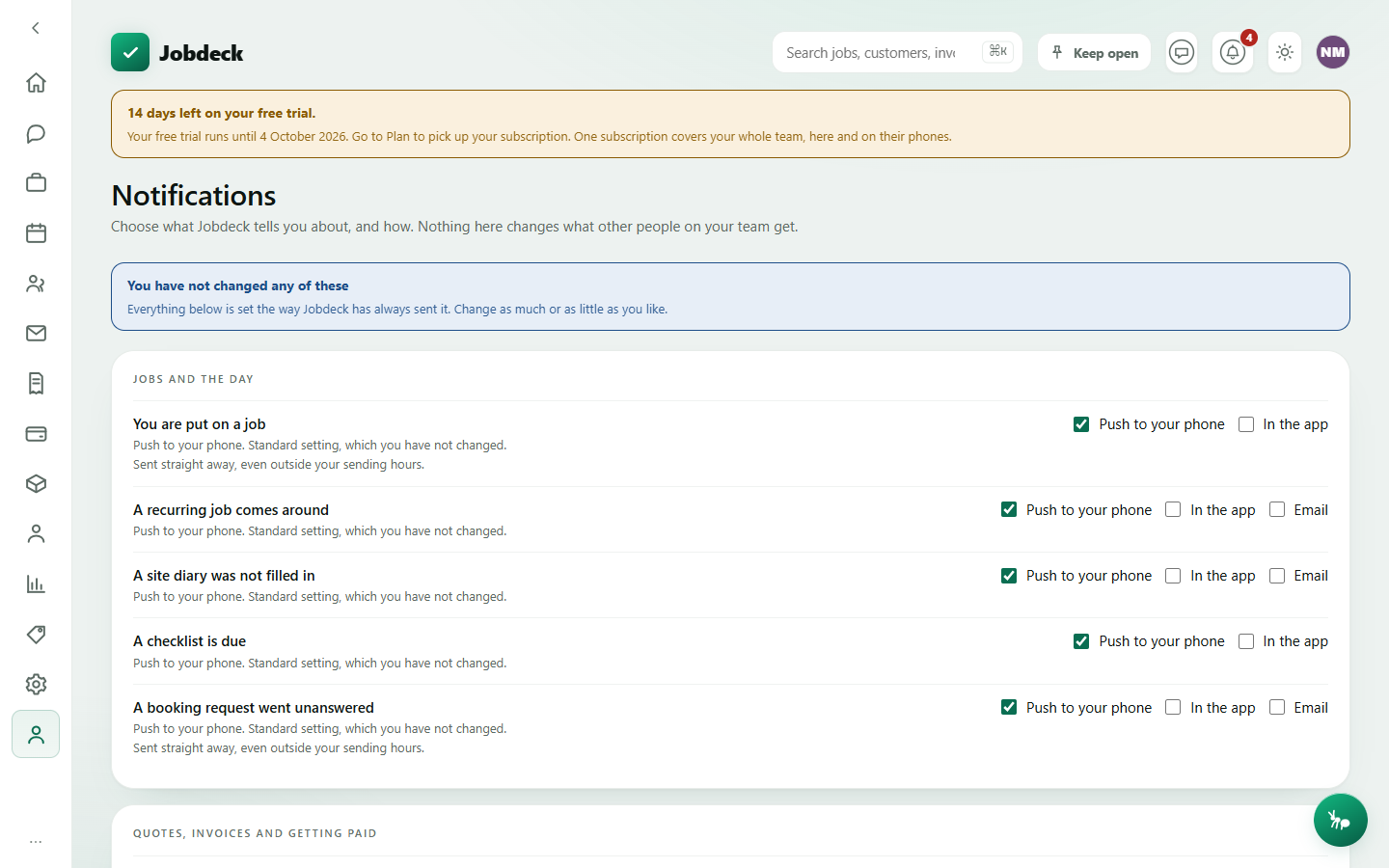
Notifications /notifications
- What it's for
- Choose what Jobdeck tells you about, and how — app push, SMS or email. Nothing here changes what anybody else on your team gets.
- Controls
- A channel switch per notification type, grouped by topic; each switched-off row shows the one sentence saying what you'll stop hearing about.
- On the page
- Grouped notification settings, and a Sending hours card — a quiet-hours window (in your business's own time zone) that anything non-urgent is held until.
My leave /leave
- What it's for
- Ask for time off, and see where your own requests are up to. Nobody needs to switch anything on for you to use this — it's about you, not the business.
- Controls
- Leave type; a plain-English date field ("next Monday", or "Mon 15 Dec to Fri 19 Dec") checked with Check dates before you send it.
- Buttons
- Request leave outbound (it goes to whoever approves leave for you).
- On the page
- The request form, and a table of your own past and pending requests with their status.